We’ve all experienced it. You’re watching a movie, joining an important video call, or trying to upload a file before a deadline. Suddenly, everything slows down. Frustrated, you open a speed test, expecting bad news.
But then something unexpected happens: the results look great.
Your internet speed appears perfectly normal. Download speed? Excellent. Upload speed? Solid. Yet your videos still buffer, websites feel sluggish, or your video calls freeze at the worst possible moment.
So what’s really happening?
The truth is that a speed test only tells part of the story. Understanding what those numbers mean—and what they don’t—can help you identify common issues affecting your home Wi-Fi, streaming experience, online gaming, and overall internet performance.
A speed test measures how quickly information travels between your device and a server connected to the internet. Most tests provide three important measurements:
Popular tools such as Speedtest by Ookla and Fast.com allow you to check these metrics in seconds.
Think of a speed test like checking your car’s speedometer. It’s useful information, but it doesn’t tell you everything that’s happening under the hood.
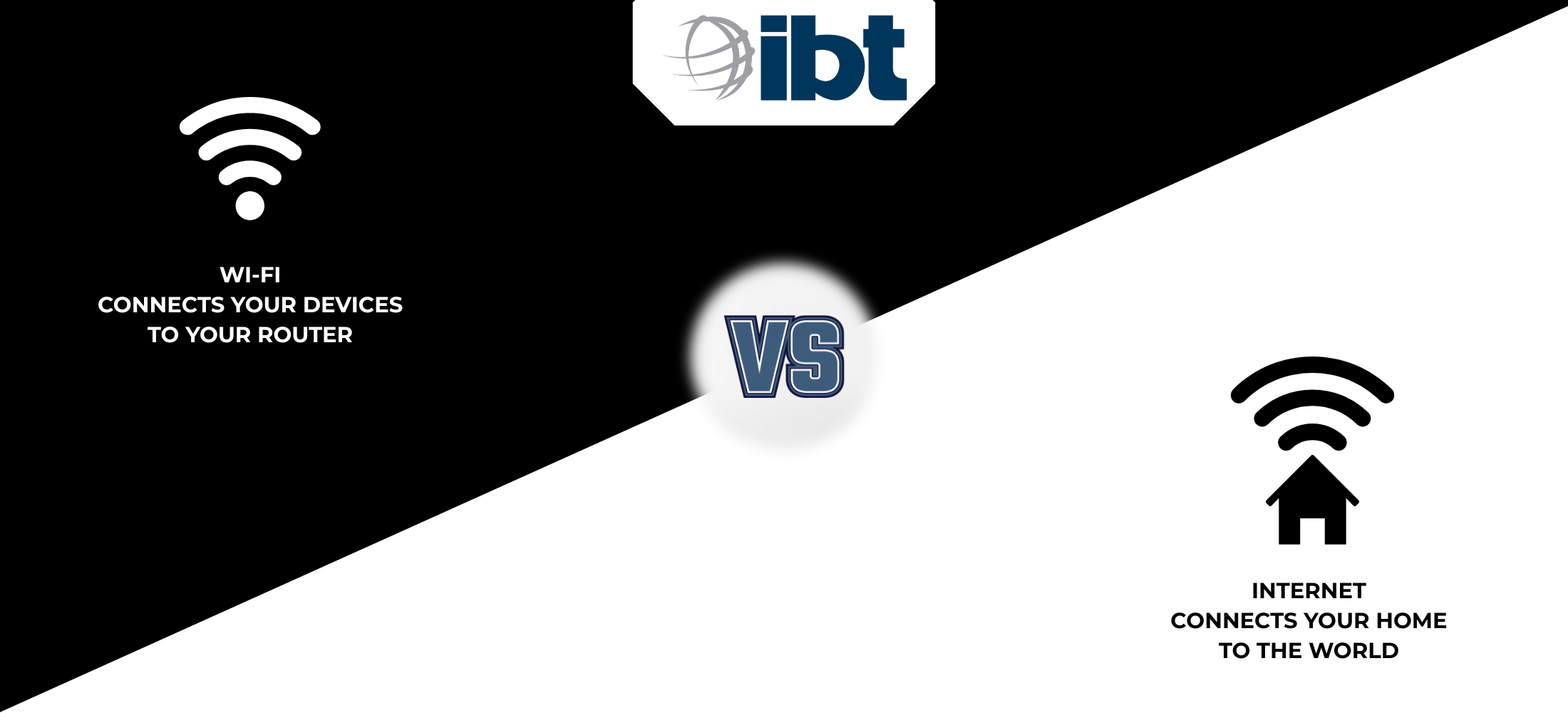
One of the most common reasons people experience slow internet despite getting excellent speed test results is actually Wi-Fi coverage.
Your internet connection may be working perfectly, but your Wi-Fi signal still has to travel through walls, furniture, appliances, and other obstacles before reaching your devices.
That’s why your connection may feel great in one room and frustratingly slow in another.
In many cases, the issue isn’t your broadband connection at all. It’s simply the wireless signal inside your home.
Today’s homes are packed with connected devices. Smartphones, laptops, tablets, gaming consoles, smart TVs, security cameras, streaming devices, and even household appliances now rely on internet connectivity.
While your speed test may look fantastic on one device, your router could be juggling dozens of connections simultaneously.
Imagine a busy restaurant with only one server. The food may be ready, but delivering it efficiently becomes much harder as more customers arrive.
The same thing can happen inside your home network.
Have you ever run a speed test in the morning and received different results in the evening?
That’s completely normal.
Internet performance can be influenced by:
This is why internet experts often recommend running multiple speed tests at different times before drawing conclusions about your connection.
Run a speed test while standing next to your router. Then repeat the same test from the room where you usually stream movies, attend video meetings, or play online games. If the results are dramatically different, you’ve likely discovered that your Wi-Fi coverage, not your internet service, is the real issue.
Not quite.
A speed test is one of the best tools available for understanding your connection, but it doesn’t always reveal every problem.
Weak Wi-Fi coverage, an aging router, poor device placement, or interference from electronics can all affect your online experience even when your internet service is performing exactly as expected.
That’s why it’s important to look beyond the biggest number on the screen and consider the complete picture.
Understanding your current connection is important, but it’s also helpful to know what internet options may be available at your address. Use our availability checker to see if service is available in your area and stay informed about future network expansion.
A speed test is an excellent starting point for understanding your internet connection, but it doesn’t always tell the whole story.
Download speed, upload speed, latency, Wi-Fi coverage, router performance, and connected devices all work together to shape your online experience.
The next time your favorite show buffers or a video call freezes, remember: a good speed test result doesn’t necessarily mean everything is perfect. Sometimes the answer is hiding somewhere between your router and the device you’re holding.
Understanding how your connection works is the first step toward getting the most out of it.